Payment Orchestration Platform for Multi-Account Gateway Rotation

Seamlessly connect and manage multiple Stripe, PayPal, and other supported payment processors within Checkify Plus. The enterprise-grade payment gateways engine allows to manage the flow of funds, test various funnels, organize different lines of business.
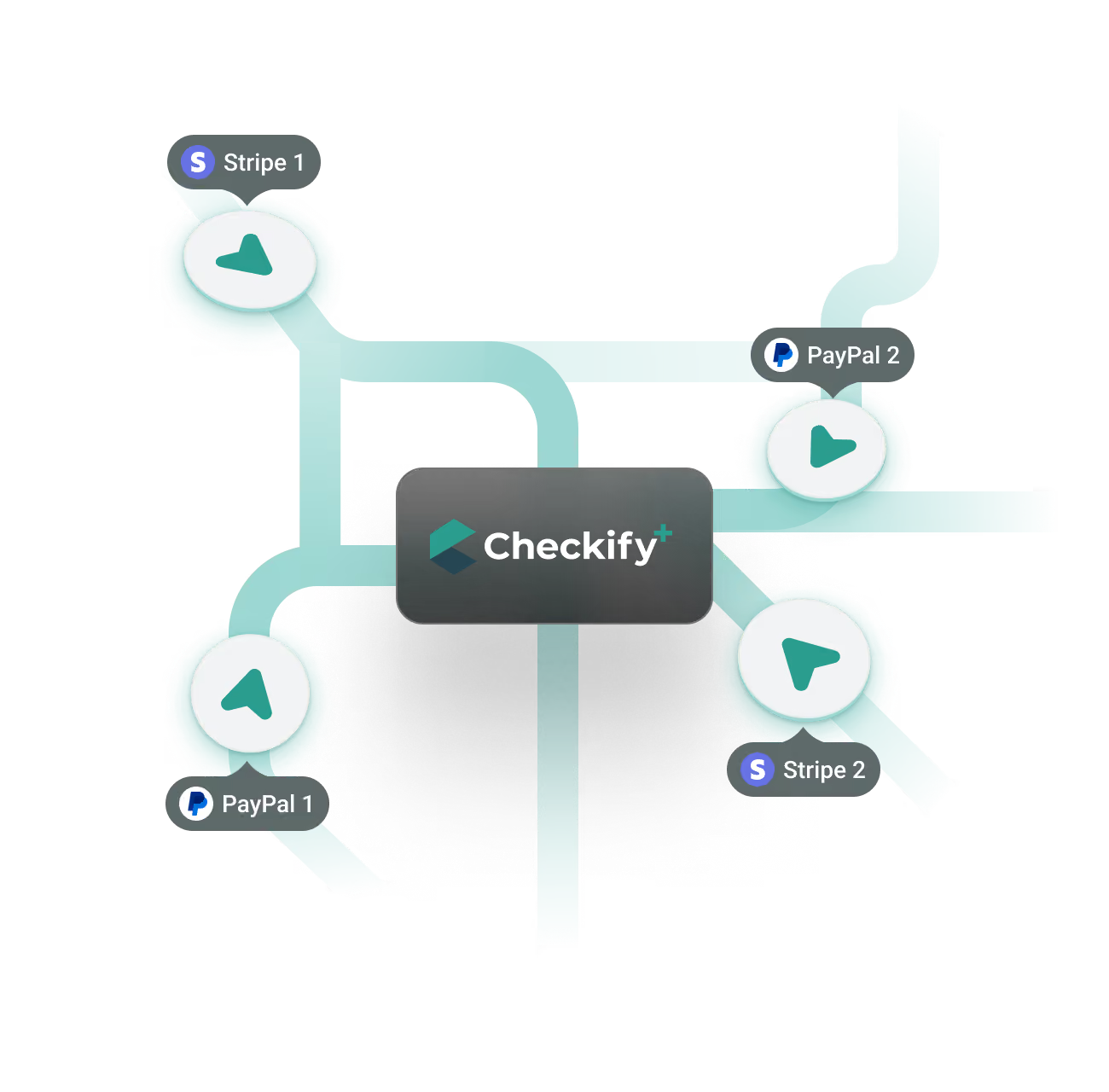
Checkify Plus routing payments across multiple connected Stripe and PayPal merchant accounts.
Merchant benefits:

Why Payment Orchestration and Account Rotation May Save Millions?

Payment received confirmation during an automatic switch between payment accounts.

Improved payment success rate

Dynamic payment routing with automatic retries based on account status, other signals and factors - built for payment success rate optimization.

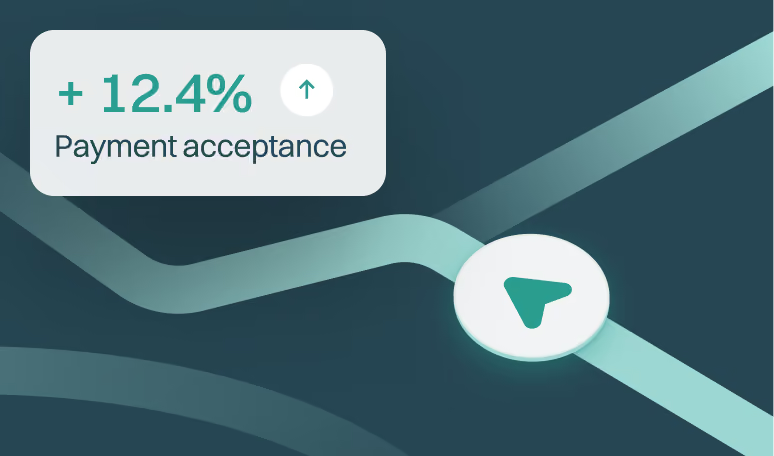
Payment acceptance rate rising by 12.4% after enabling account rotation.

Minimized potential payments loss during switches

Get 24/7 payment gateway failover automation (coming soon) with built-in payment retry logic to reduce costs and the hassle of manual switching between accounts.

Warning symbol representing risk mitigation across multiple payment accounts.

Assisted risk management

Mitigate operational disruptions when you run ad campaigns at scale.

Why rotations of connected PSP accounts are common in large eCommerce organizations

1. Ensure operational business continuity

Eliminate single points of failure in your payment infrastructure. Relying on a single merchant account leaves your revenue vulnerable to sudden manual reviews or unexpected compliance holds.

Multi-account rotation lets you spread transaction volume proactively, while payment cascading recovers failed payments reactively, keeping your business running smoothly and protecting the cash flow from unexpected disruptions.

2. Provide geo-targeting & currency optimization

Minimize cross-border, currency conversion fees and boost local approval rates. Route transactions to specific payment accounts based on the customer's geographic location. By processing local payments through a corresponding regional account (e.g., EU cards through an EU Stripe account), you eliminate expensive cross-border processing fees and significantly improve bank authorization rates.

3. Achieve clean brand & niche segmentation

Isolate and streamline bookkeeping for multi product stores. If you run multiple sub-brands, diverse product categories, or varying risk-level items under one master checkout ecosystem, multi-account routing allows you to keep funds separated. This protects your primary merchant accounts.

3 simple steps to get started with rotations

Setting up payment link rules for rotating between multiple PSP accounts.

1. Create an account

Register a Checkify Plus account and connect your first set of payment processors. Note that a set of active Stripe, PayPal, etc., accounts is required for completing this step.
New Checkify account being connected to its first set of payment processors.

2. Create payment links

Visit the Checkify admin to create payment links and to define the rules for multi-PSP accounts rotations (geo, currency, volume, etc.)
Marketing campaign dashboard reporting results from Checkify payment links.

3. Monitor operations & get alerted

Launch your sales, scale ad campaigns, and refer to your Checkify dashboard and its reports as a single point of truth. Get critical alerts to your emails, other channels without the need of constant monitoring.

Unlock Intelligent Payment Routing & Orchestration by Checkify Plus

Payment routing rules: Sequential & weighted rotations

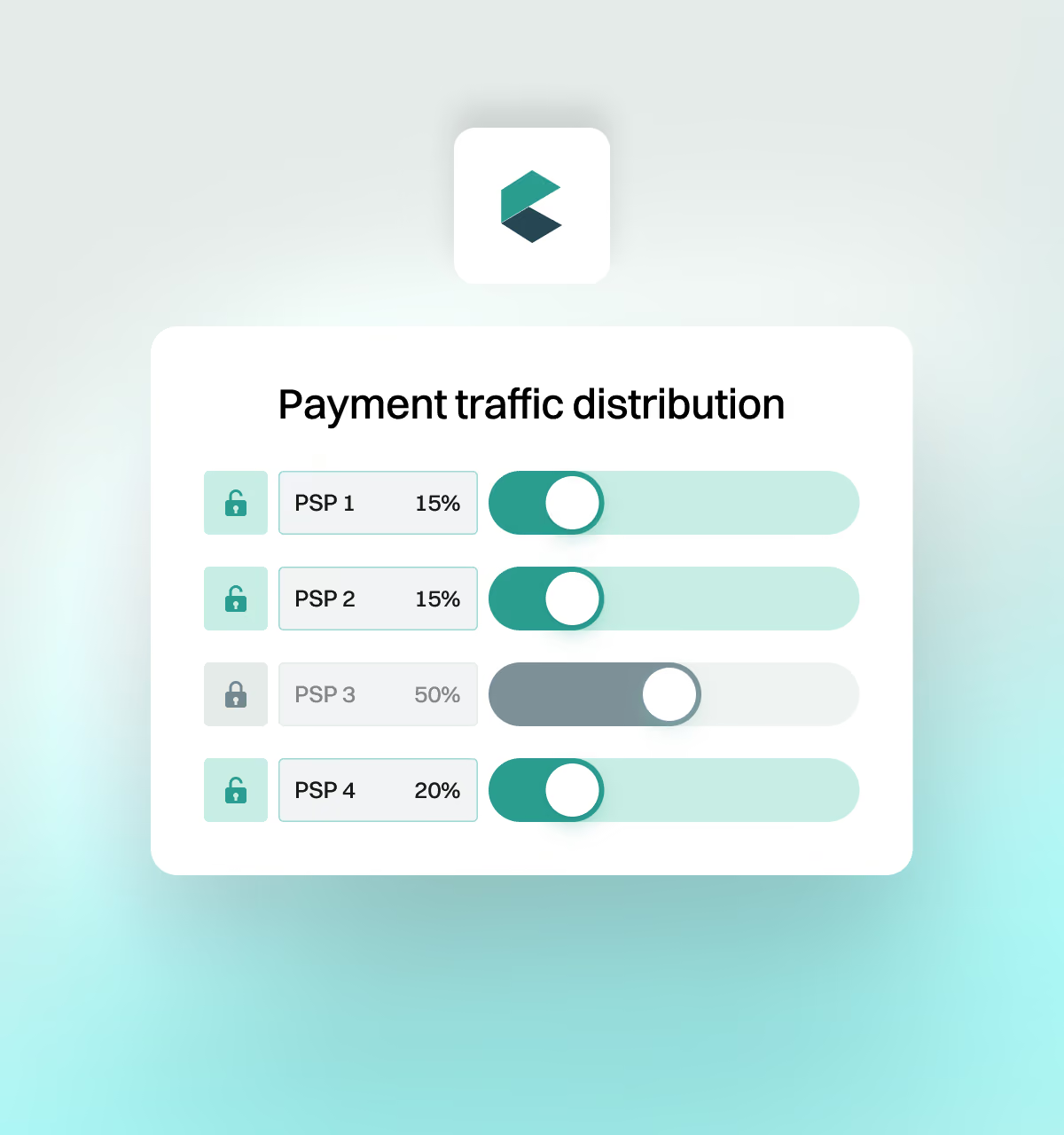
The sequential rule means that new orders are assigned in a fixed sequence, cycling repeatedly. Weighted rotations ensure an even order distribution and reduce the risk of high transaction concentration in a single account by setting allocation weights (0-100). Example: Accounts with higher weights can receive more orders.
Payment traffic distribution panel with weighting sliders for four PSP accounts.

Threshold-triggered rotation mode

  • Amount Threshold
    Set daily/monthly cumulative collection limits and warning lines. Automatically switch accounts when thresholds are reached to prevent exceeding limits.
  • Transaction Count Threshold
    Set daily/monthly transaction count limits, suitable for gradient maintenance of new accounts to avoid sudden increases in transaction volume.
  • Failure Rate Threshold
    Set upper limits for payment failure rates to reduce payment declines automatically. Isolate underperforming accounts and trigger alarms when thresholds are reached to protect transaction success rates.
Threshold settings for transaction count, amount and payment failure limits.

Data & reconciliation

Generate standard Excel reports and ensure one-click export complete them outside Checkify Plus in your preferred BI or analytical tools, or with AI.
Reviewing payment reports on a tablet before exporting them to Excel.

Dynamic payment rules & Gateway distribution

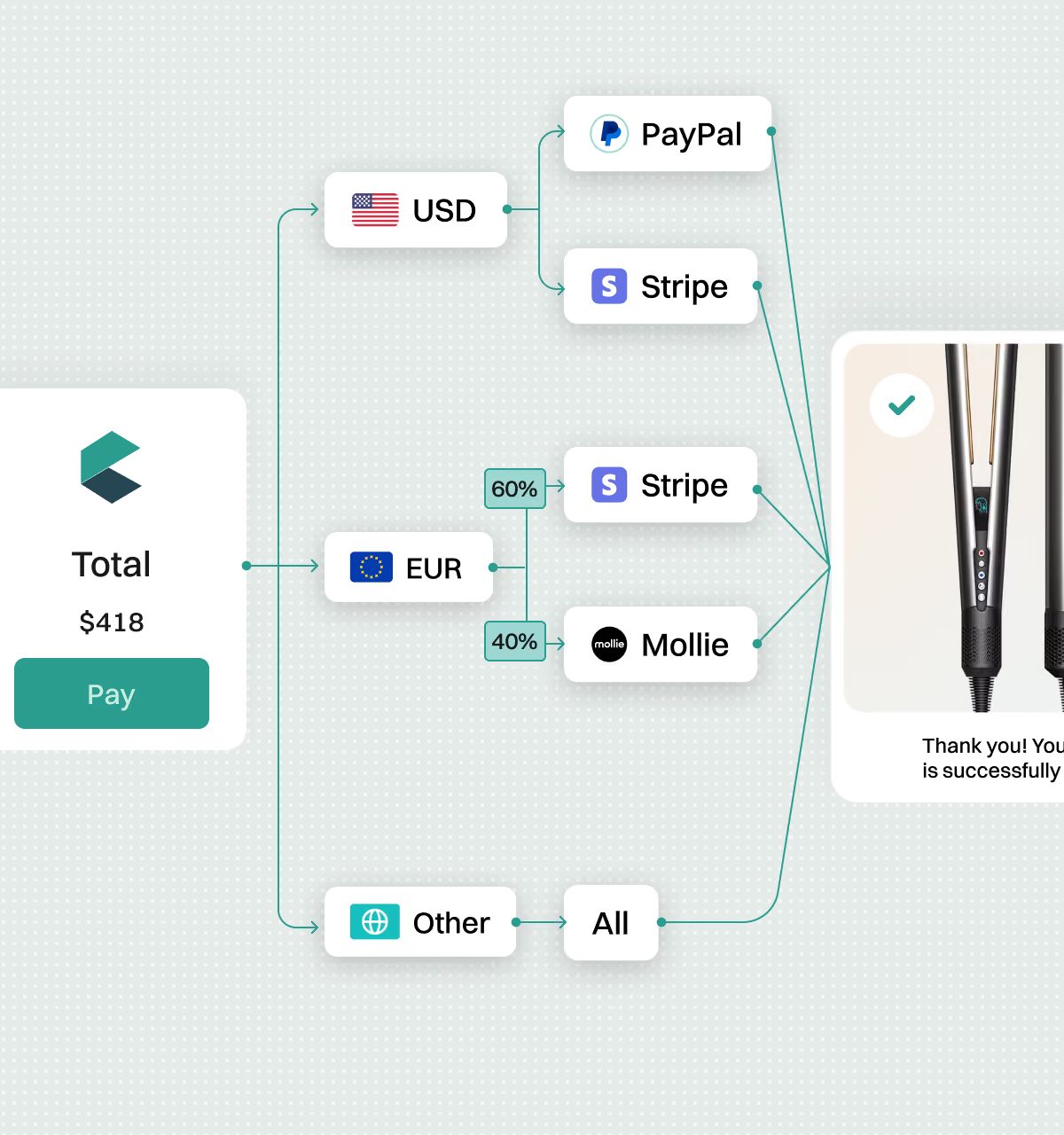
Advanced transaction routing helps setting rules for currency, country, amount, range (per transaction). Example: if checkout's total is USD 10, use connected gateway A, if USD 500 - another one.
Checkout routing a payment to PayPal, Stripe or Mollie based on currency.

Notification and alert system

  • Threshold Alerts: Receive automatic notifications when collection targets are met, preventing issues before they occur.
  • Abnormal Activities Alerts: Checkify monitors and sends immediate emergency notifications for account anomalies, ensuring funds security.
Smartphone alerts warning about a failed payment and a disabled merchant account.

FAQs

Find answers to common questions about Checkify Plus e-commerce platform its payment processing and account rotation engine.

How many payment accounts of the same type can I connect to Checkify Plus at the same time?

Checkify Plus supports connecting 10 or more independent accounts across Stripe, PayPal, and other supported gateways with no hard limit. You can securely connect multiple sub-accounts without writing any code. We validate all the parameters to ensure every connection remains active and stable, and will notify if something is wrong.

How do I route transactions to specific accounts based on region or currency?

Inside your Checkify Plus dashboard, you can configure custom routing rules for each account based on customer location and currency. For example, you can assign one Stripe account strictly for US dollar transactions and another for international orders, making accounting, reporting, and currency management significantly cleaner.

Will rotating accounts affect the checkout experience for my customers?

No, the buyer experience is completely seamless and invisible. They will never understand what's happening "under the hood", as your customers will see a smooth, standard checkout flow. On the backend, each connected account maintains its own distinct bank statement descriptor and internal tracking, allowing you to run multiple sub-accounts or brands through one unified checkout ecosystem.

When should my business start rotating payment gateway accounts?

Checkify Plus brings the enterprise-grade risk management practice to businesses of any size. There could be no specific figure or volume. From our experience, a six-digit monthly sales volume and targeting of at least two-three regions or countries could be the right conditions to start using this engine and functionality.

What is payment gateway aggregation and how is it different from a single processor?

A payment gateway aggregator like Checkify Plus lets you connect several processors (Stripe, PayPal, Solidgate, and others) under one transaction routing engine, instead of relying on a single account. If one processor has an outage, hits a threshold, or gets flagged for review, traffic automatically shifts to another - so a single point of failure never stops your revenue.

Still have questions?

Reach out to our support team for assistance.

Contact