Custom address form builder

Build high-converting, geo-optimized shipping (address details) forms in minutes. Take full control of your checkout process, reduce cart abandonment with address autocomplete, and customize fields for any country or business model.

Crane assembling checkout form fields for email, country, address, phone and first name.
Merchant benefits:

Why shipping address form customization matters

Dragging a postal code field into an address form with desktop and mobile preview toggles.

1. Unique style and look of the form

Align your checkout’s design perfectly with your brand’s identity to build instant trust. A seamless, trustworthy look removes the last psychological barrier to completing a purchase.

Toggle for physical goods or digital products in a seller's order management setup.

2. One account (interface) for management of physical and digital- oriented forms

Manage all your forms from one unified dashboard. Effortlessly switch between geo-targeted shipping layouts for physical goods and streamlined, lightning-fast checkouts for digital products.

Shopify, WooCommerce, BigCommerce and Amazon logos as supported ecommerce platforms.

3. Access to industry’s best layouts

Leverage high-converting layouts inspired by e-commerce giants like Amazon, Shopify, others. The forms are pre-optimized with industry best practices to ensure the checkout performs at a world-class level from day one.

Buyer benefits:

Why customers convert better

Email-only checkout step with a Go to payment button before entering card details.

1. Visual clarity and trust

A clean, distraction-free checkout experience that only asks for essential details. Selling digital goods? Simply skip unnecessary fields like shipping address or postal code.

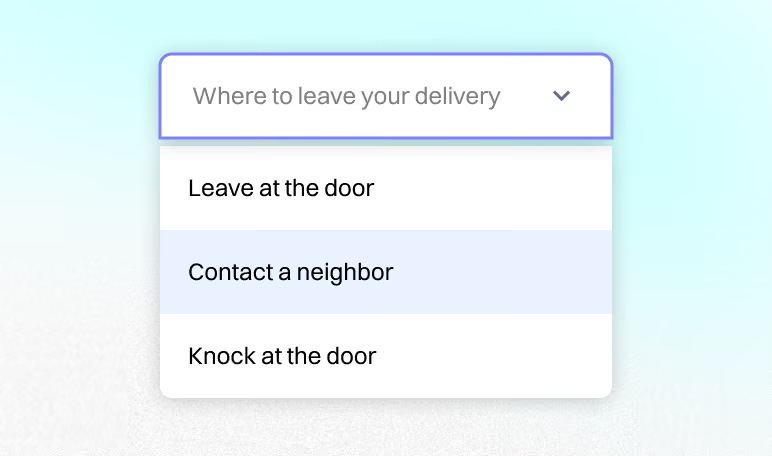
Custom delivery instructions dropdown offering leave at the door, contact a neighbor or knock.

2. Clearer communication

Offer your buyers an option to easily add custom context and notes directly at checkout. Example: providing special instructions, sharing their social media handles, or order notes for your team.

Shopper completing a mobile shipping details form with name, address and phone fields.

3. Mobile-first experience

With over 85% of shoppers buying on smartphones, Checkify forms are built specifically for touch-first navigation, delivering smooth checkouts and higher conversion rates on every device.

Smart input validation

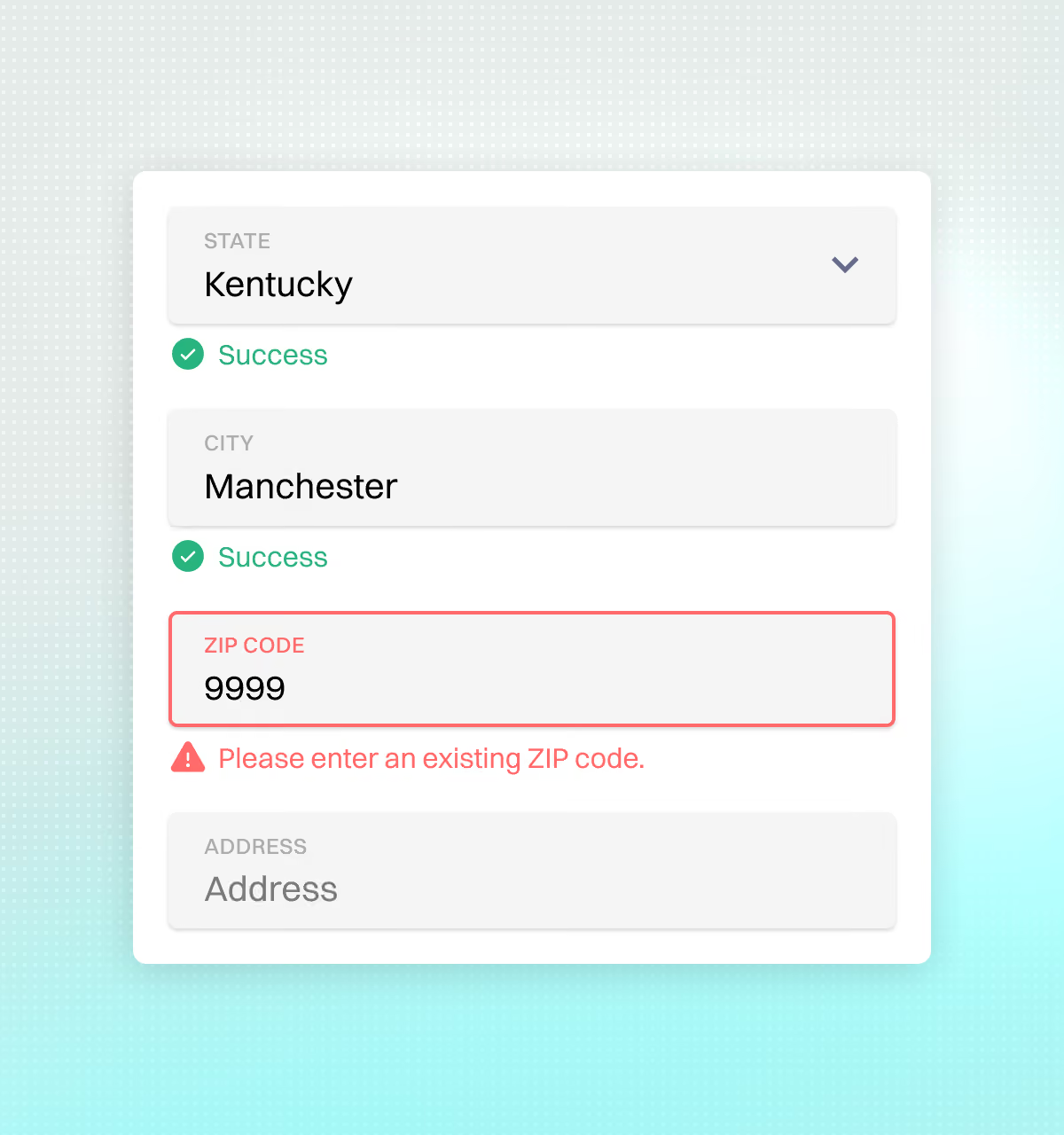
Automatically check format of emails, validity and format of postal codes, and phone numbers at checkout. Eliminate typos, reduce failed deliveries, and collect clean, accurate customer data every time.

Address form validating state and city while flagging an invalid ZIP code entry.

Address auto-complete

Google-powered address auto-fill gives buyers instant access to over 200 million verified global addresses, accelerating checkout speed while preventing costly delivery errors.

Address autocomplete suggesting matching street addresses as a shopper types on mobile.

Country-specific shipping forms

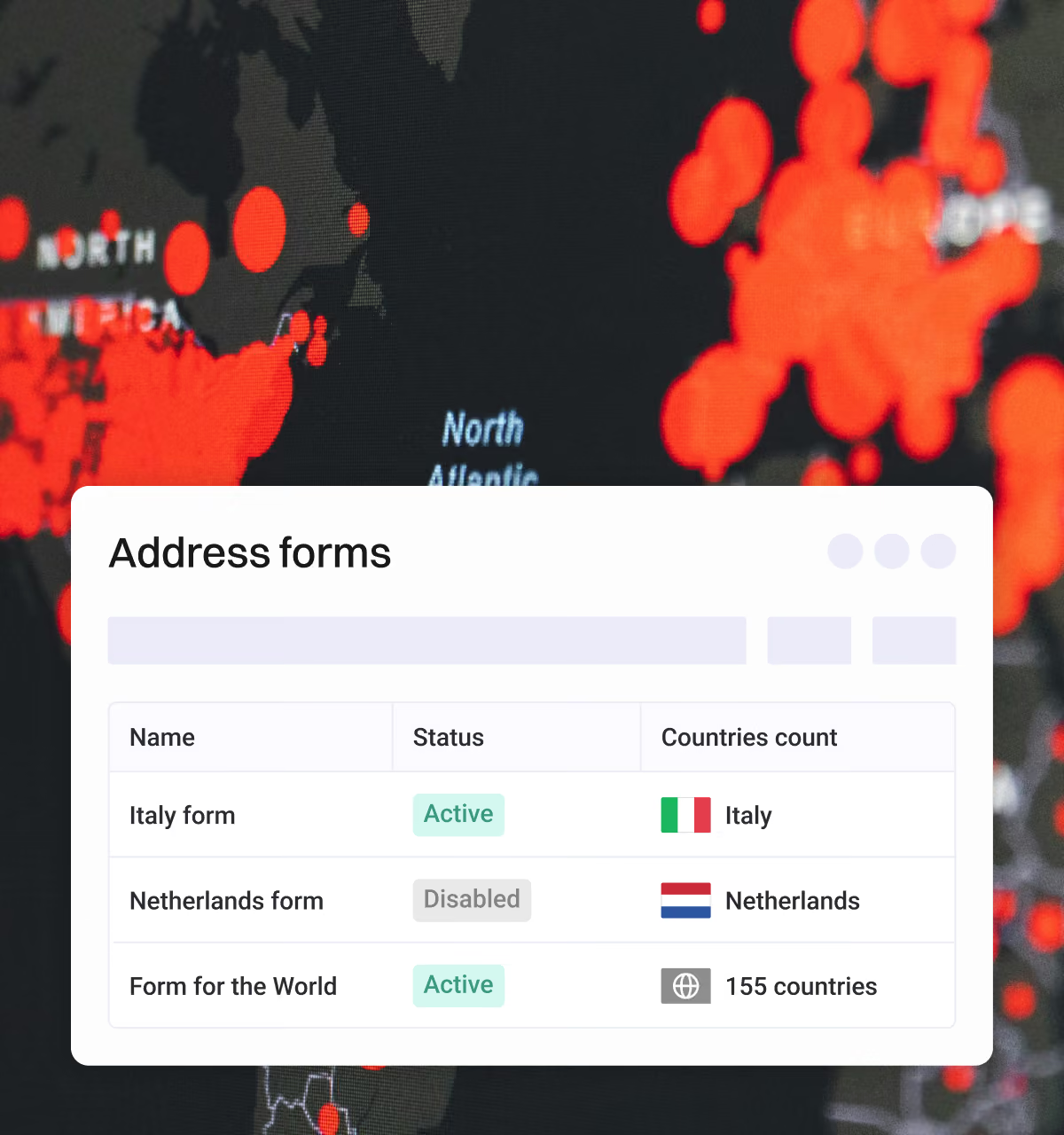
Tailor your checkout fields by destination country. For example, automatically request CPF numbers in Brazil or local tax IDs, where required. Deliver a seamless, fully compliant checkout experience tailored to every market.

Address forms list with country-specific forms and a global form covering 155 countries.

Custom fields

Unlimited custom fields with all the customizations included: change field attributes (required / optional, wordings and labels, etc.), add special types of fields.

Available form field types: text, number, color, checkbox, dropdown, URL, date and radio.

Flexible & no-code form builder

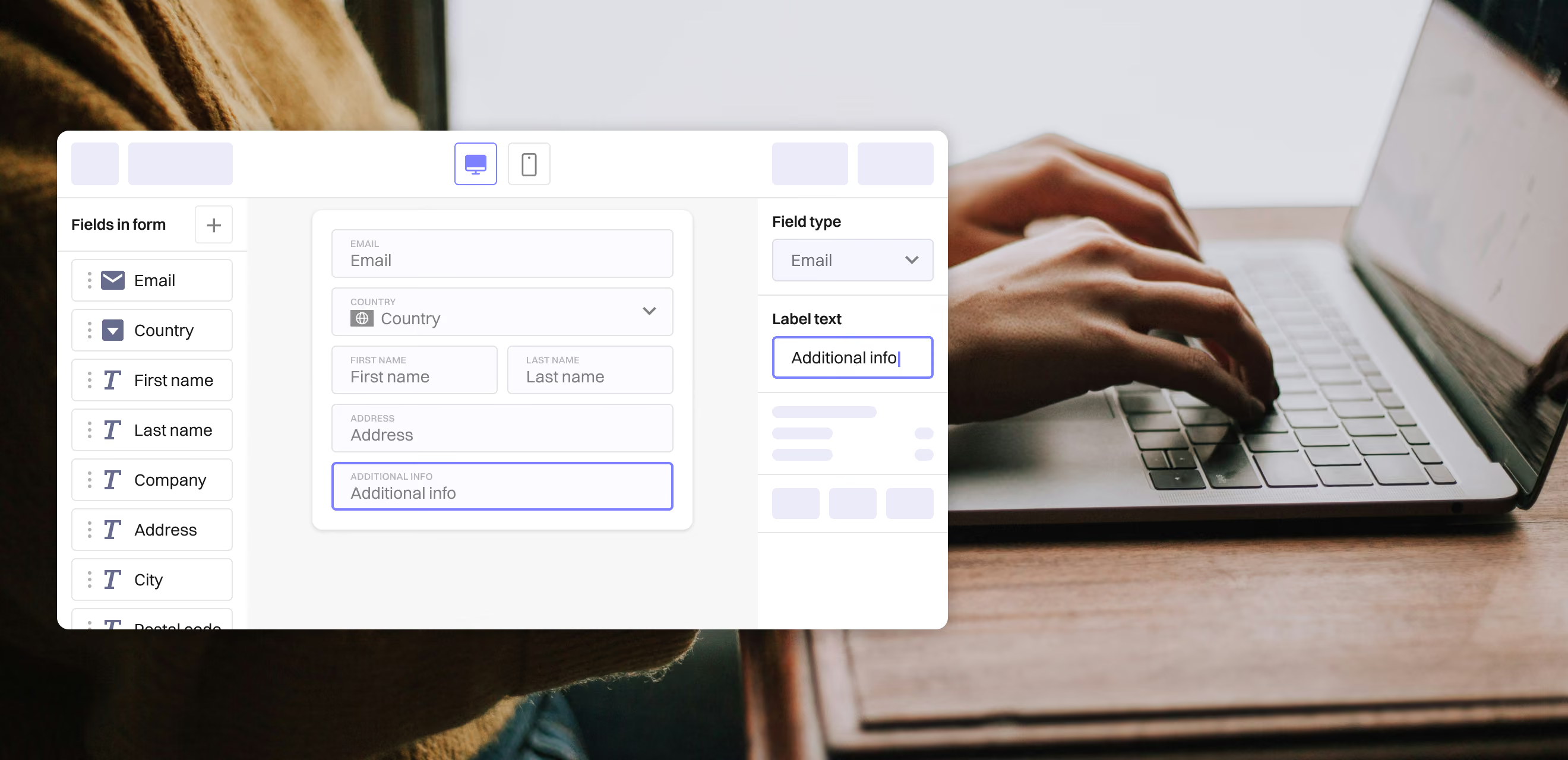
Easily edit label text, reorder fields, and adjust your shipping form layout in seconds with no developers or custom code required. Maintain complete checkout stability while testing and iterating faster.

Drag-and-drop address form builder with a field list and field type settings panel.

FAQs

Find answers to common questions about Checkify Plus e-commerce platform and its customizable checkout forms.

How can I handle translations of the form for international buyers?

You can easily enable automatic translation methods directly within your admin settings to display form fields in your customer’s local language. For step-by-step guidance, explore our Localization & Translation Guide.

Can I make mobile phone numbers or postal (zip) codes mandatory?

Yes, you have total control over field rules. It is possible to toggle any input field (e.g. phone number, unit/apartment number, or postal code) between optional, required, or completely hidden depending on your fulfillment requirements.

Would adding custom fields to my shipping form slow down checkout?

No. Checkify forms are built for speed and lightweight execution. Custom fields are not different from any other, standard field. They render instantly on both desktop and mobile devices without impacting page load times.

Is Google Places auto-complete a paid service?

Yes, but Google generally provides a monthly free tier credit. Google Places operates on a "pay-as-you-go" model via the Google Cloud Platform. We recommend monitoring your usage directly in your Google Cloud Console and setting usage limits to prevent unexpected costs during traffic spikes.

Which checkout form layout converts best?

It depends on your specific business model and customer base. Rather than guessing, test different configurations directly. Example: Try running one form layout for 14 days, then test a streamlined alternative for the same duration to see which structure maximizes your sales and other metrics.

Still have questions?

Reach out to our support team for assistance.

Contact