Branded email builder

Design, customize and automate high-converting emails for your sales processes, maintain full ownership of your customers' data and relations. Checkify Plus covers the full buying flow natively: from checkout recovery, to automated fulfillment or refund notifications.
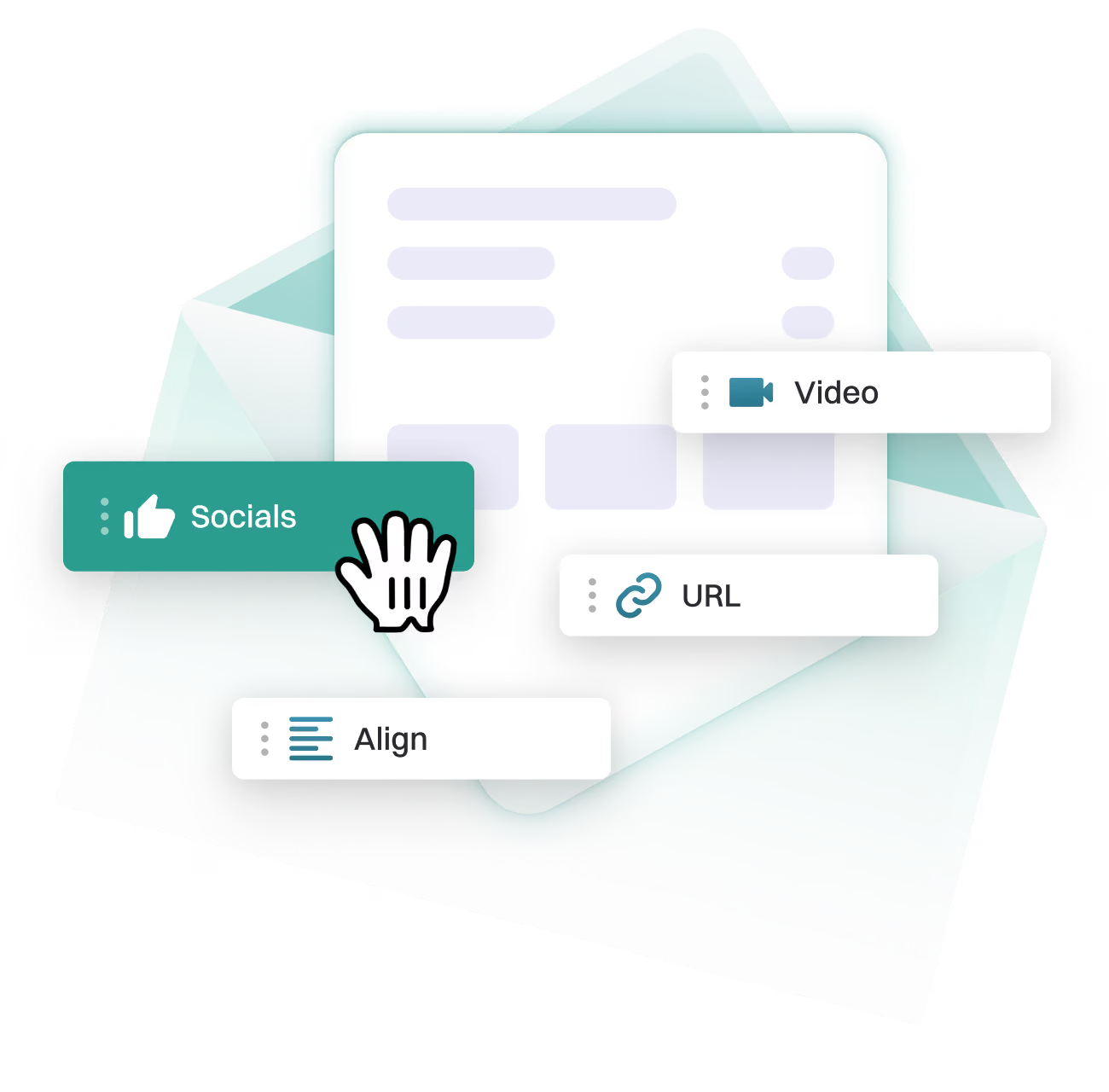
Email template builder interface with draggable Socials, Video, URL and Align content blocks

Why emails are essential for online sales

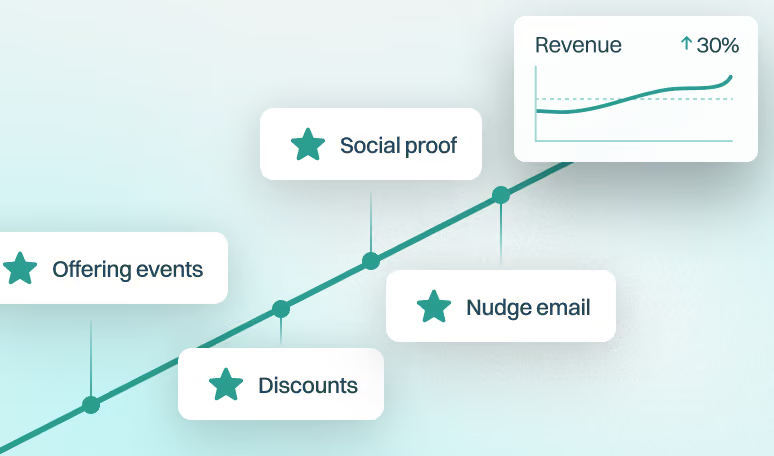
Revenue growth chart showing a 30% uplift from offering events, discounts, social proof and nudge emails

1. Direct line to revenue

Emails allow bypassing the noise on social media and land exactly where online shoppers are already looking, helping them resolve their problems, or getting beneficial offers.

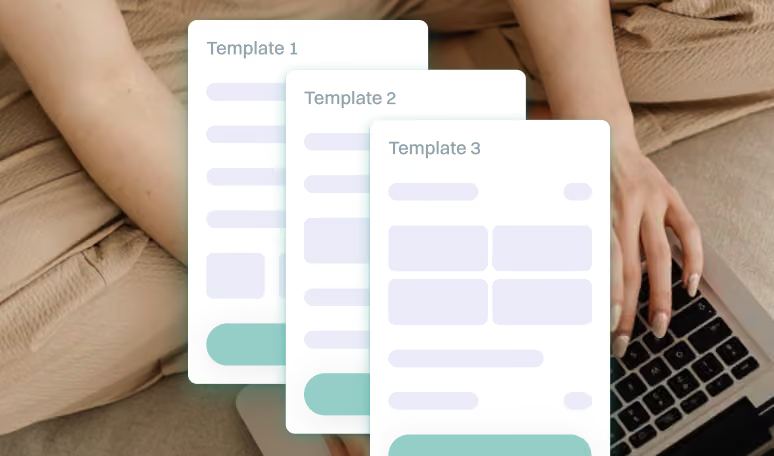
Three pre-built email templates being customised on a laptop without writing code

2. Branded channel

Most of email template builders provide the "what you see is what you get" (WYSIWYG) simplicity, with little or no coding knowledge required. A brand may easily turn ideas into delivered messages.

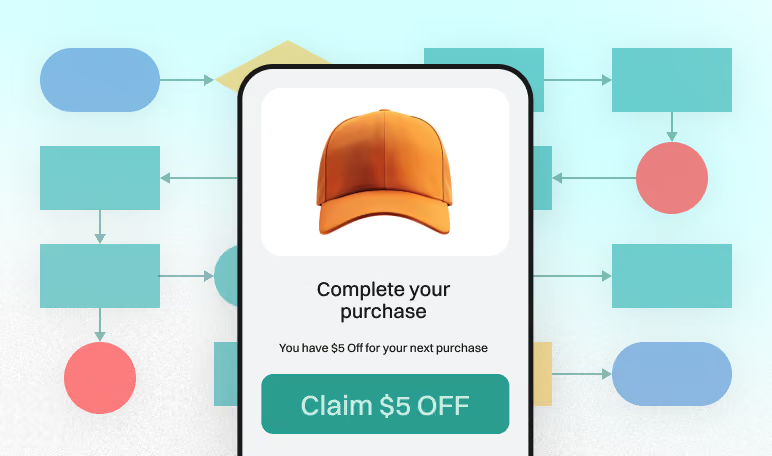
Automation workflow triggering a Claim $5 Off email on a customer's phone

3. Behavioral automation

Email builders help set triggers based on customer actions, ensuring the right email hits at the perfect moment. The best messages are the ones you do not have to remember to send.

Advantages of email automations as pointed by Checkify merchants

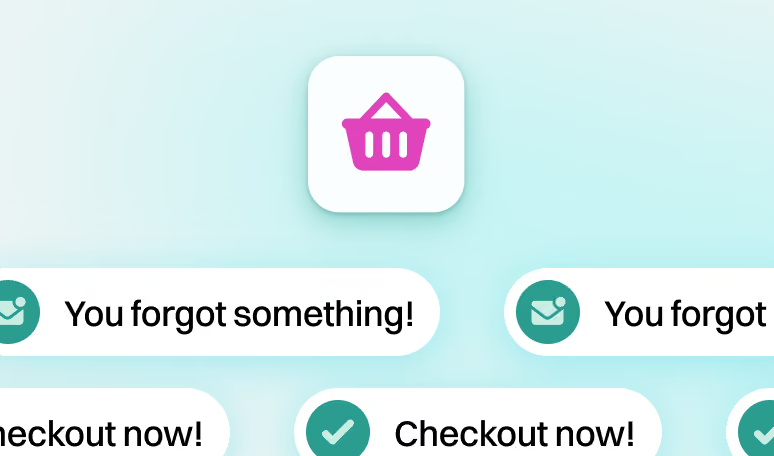
Abandoned checkout recovery emails reminding shoppers to complete their order

1. Checkouts recovery

Checkify Plus tracks and understands the moment a buyer drops off. It automatically triggers sequences that remind shoppers of what they are missing, making the path to an abandoned checkout as short as possible.

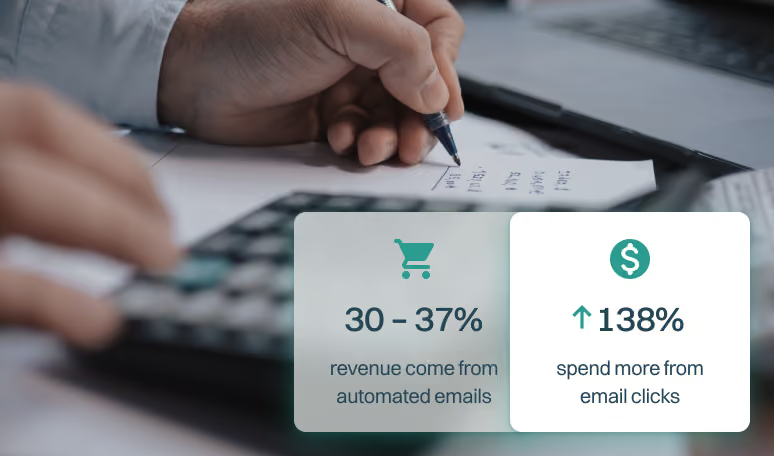
Statistics showing 30 to 37% of revenue from automated emails and 138% higher spend from email clicks

2. Extra revenue stream

Abandoned checkouts are not necessarily lost money. They can be turned into opportunities, for example, by adding upsells or personal discount offers straight into recovery emails.

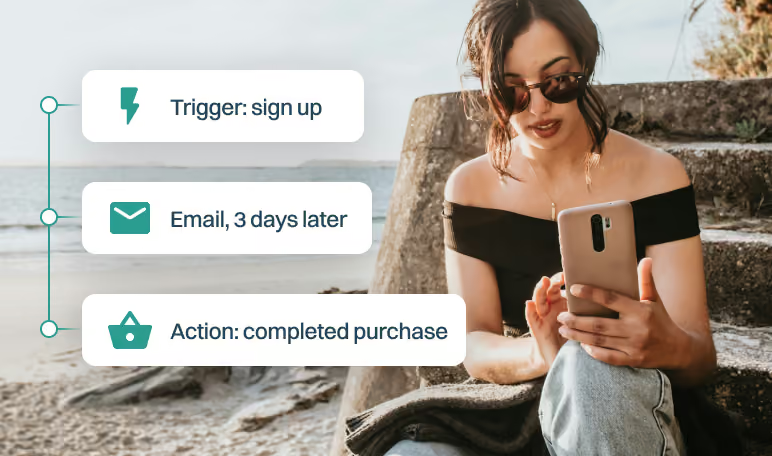
Post-purchase email automation flow from sign-up trigger to completed purchase

3. Customer data ownership

Buyers have checked out and left, but their data and subscription preferences remain. Communicate post-purchase natively via Checkify. Send personalized notes or exclusive offers via third-party services.

Drag-and-drop editor

Add consistency and your brand identity to email communication with ease. Move elements like images, buttons, text blocks, etc., with no coding required.

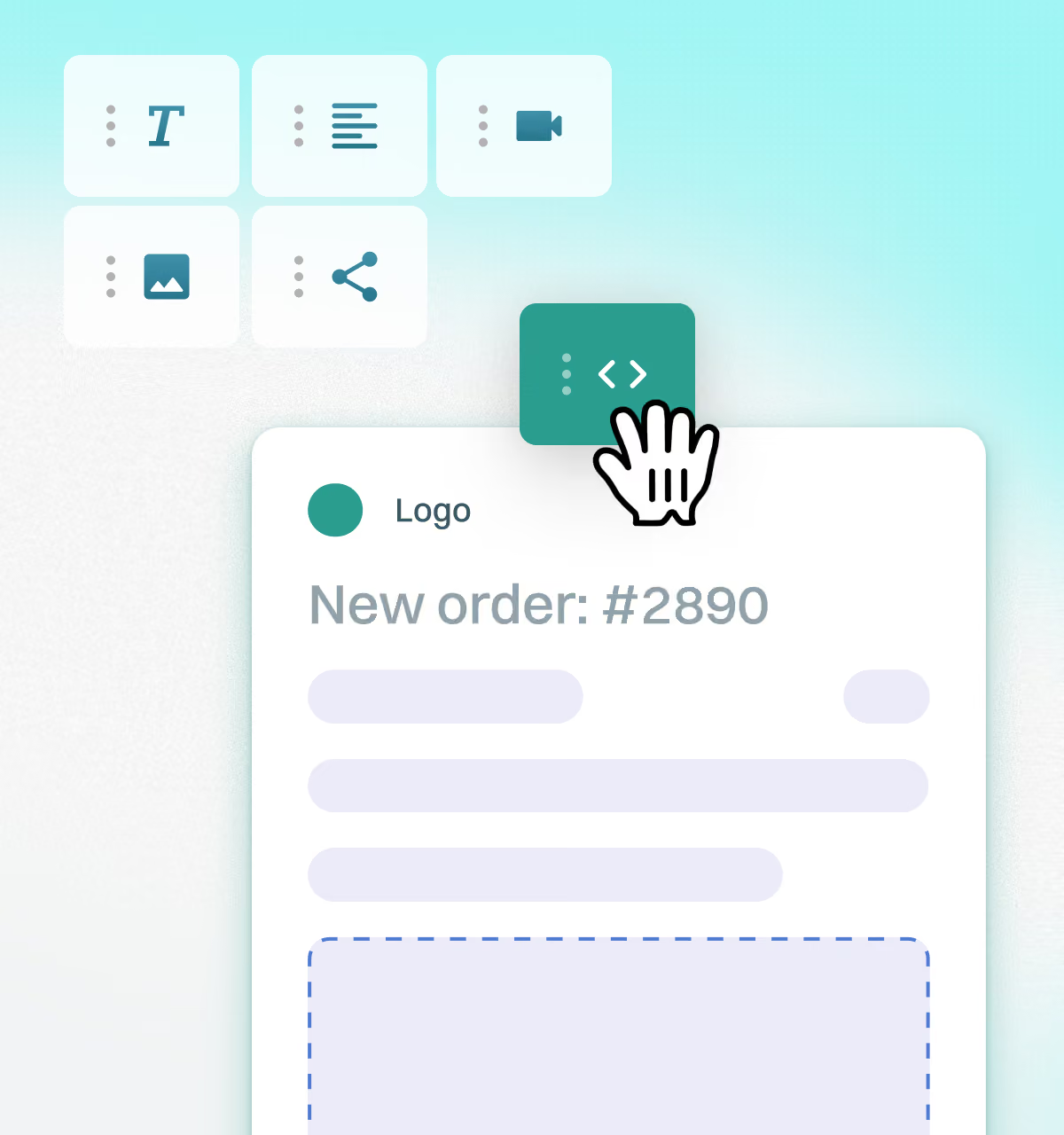
Dragging a code block into a New Order email template in the drag-and-drop editor

Advanced preview mode

Create your unique layout by importing the code or work with templates by Checkify Plus. Preview on desktop and mobile devices before launch to make every email look smart and non-robotic.

JavaScript source code of a custom email template displayed on screen

Dynamic personalization

Seamlessly integrate and use variables, such as store names, order IDs, line-item details and custom tracking links, in subject lines and email bodies. Deliver personalized notifications that build customer confidence and reduce support queries.

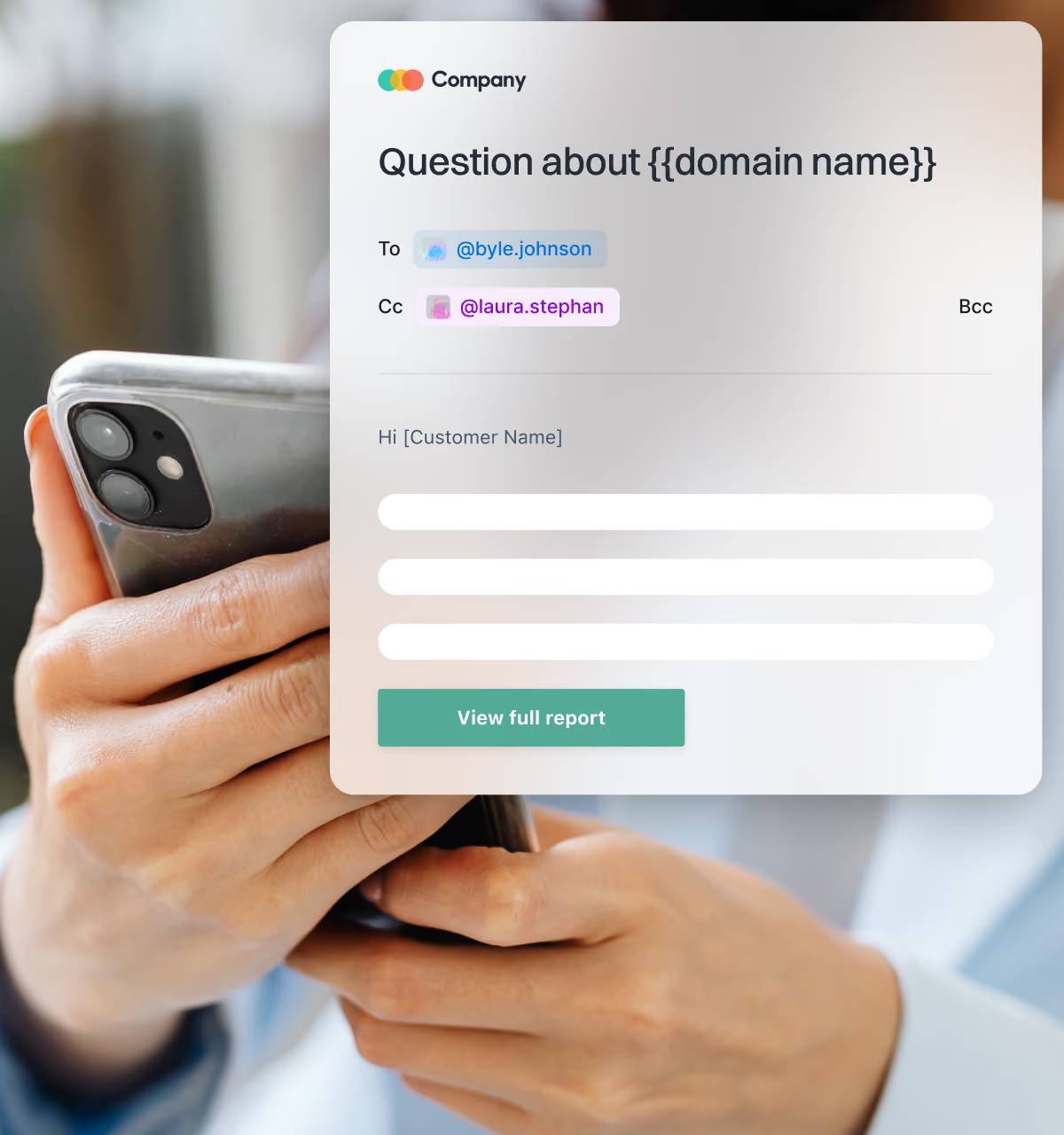
Email using dynamic variables for domain name and customer name, viewed on a mobile phone

Native Checkify Plus integration

The builder is native and out-of-the-box solution, which means it syncs perfectly with your checkout and business data. No third-party apps required, while their use is still possible, for example, via Zapier.

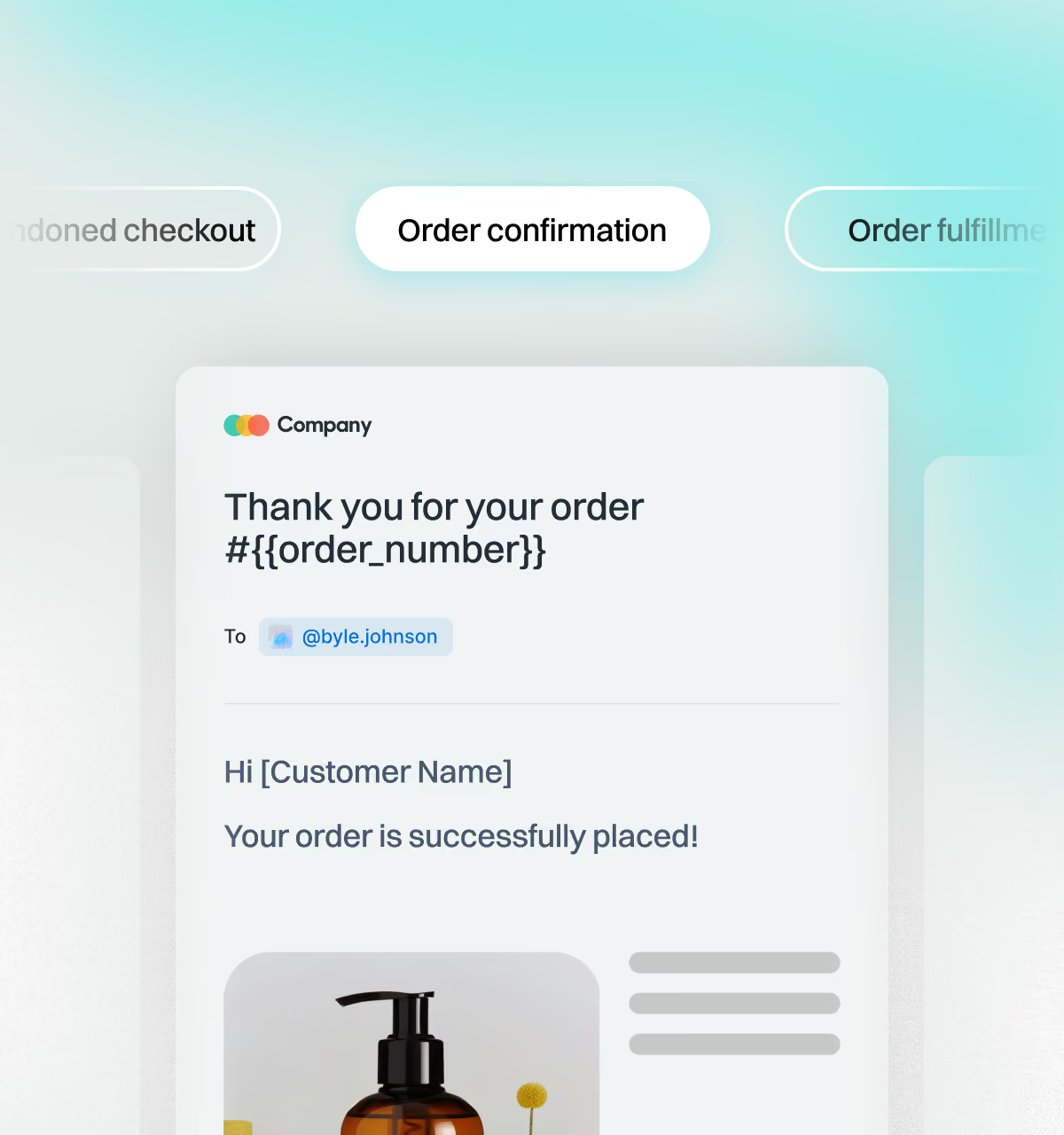
Order confirmation email template alongside abandoned checkout and order fulfillment templates

Optimized for all platforms

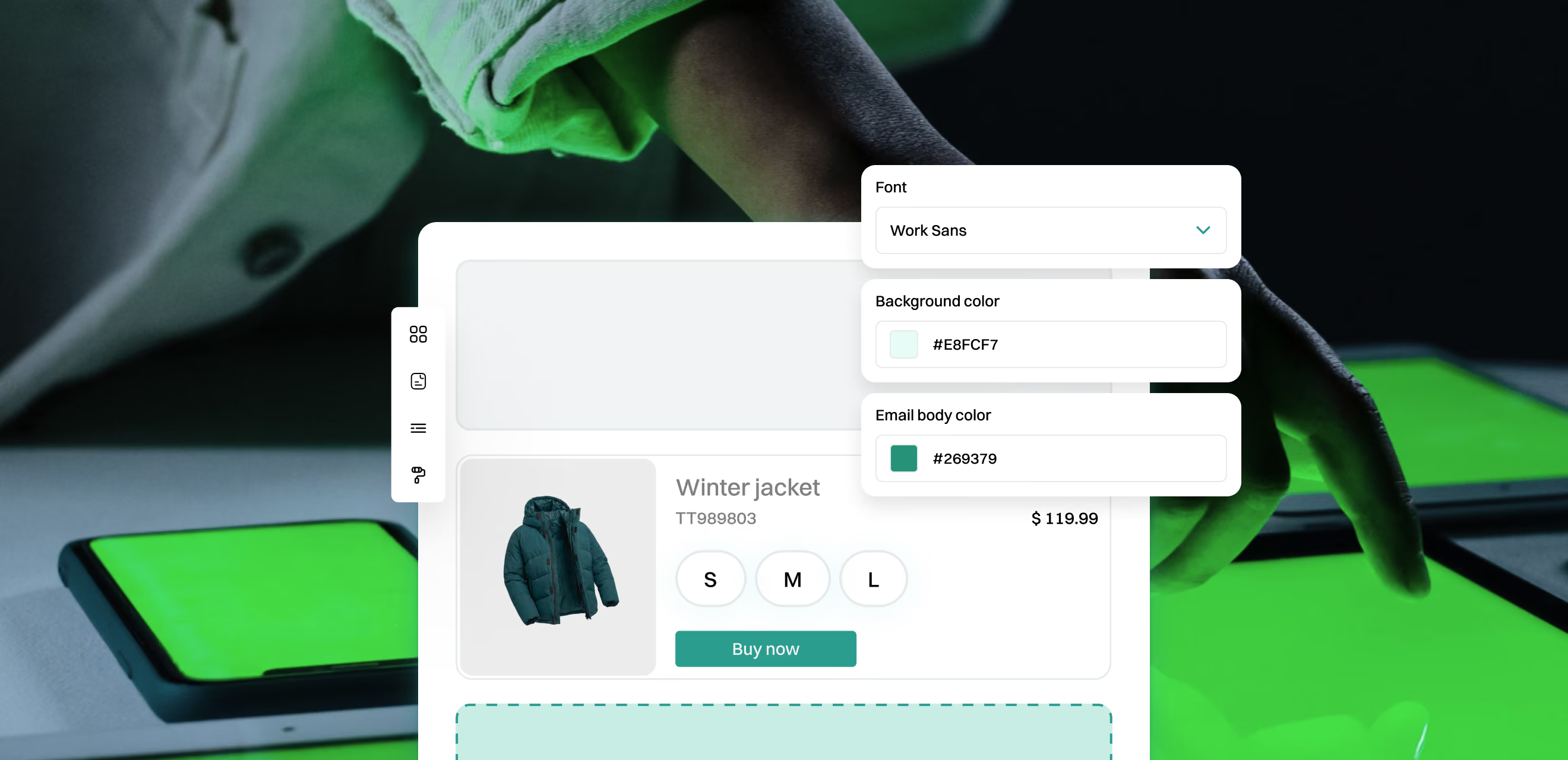
Checkify helps amplify your sales and your brand voice, in any language. Every email is optimized for mobile, tablet and desktop, light or dark color schemes of devices, ensuring your business communication looks sharp regardless of the device.

Email template editor with font and colour controls shown over a tablet and phone

FAQs

Find answers to common questions about creating and managing emails and automations
 on Checkify Plus.

Can I disable the default Checkify email templates if I want to use my own?

No, the default templates cannot be disabled completely. However, Checkify Plus allows you to create and activate your own unique templates. Once you design, save and activate a custom template, it takes priority, ensuring your brand’s unique voice and design are what customers see.

I would like to perform a transaction in live mode to test the whole buying flow

It is possible to test in live mode by activating Cash on Delivery method for your checkout page. This method is no different to others (Stripe, PayPal, etc.) in terms of technical and backend operation, but it may help check and then perfect everything, without moving the "real money".

What kind of automated emails can I send through Checkify Plus?

You can keep buyers informed via the following types of transactional emails:

1. Abandoned checkout reminders to reclaim incomplete checkouts and find extra revenue.

2. Order confirmations to reassure a customer immediately after the successful placement of their order.

3. Fulfillment and shipping updates to provide tracking info, notify buyers that the order is moving.

4. Refund notifications to build additional trust and transparency in case of returns or issues with an order.

Do you provide AI assistance for emails?

At the moment, Checkify Plus provides AI assistance for product page building and product catalogues. As for the transactional emails, due to their nature, it remains some kind of a manual work. AI integrations may be considered and added for this section too, if we see a growing demand and profound use cases.

Is the email builder an additional cost on top of my plan? What if I send a lot?

Checkify Plus subscription plans already cover email templates builders and automations. There would be no additional costs on top of it. Currently, there are also no limits on the number of emails being sent, or templates being created and used.

Still have questions?

Reach out to our support team for assistance.

Contact